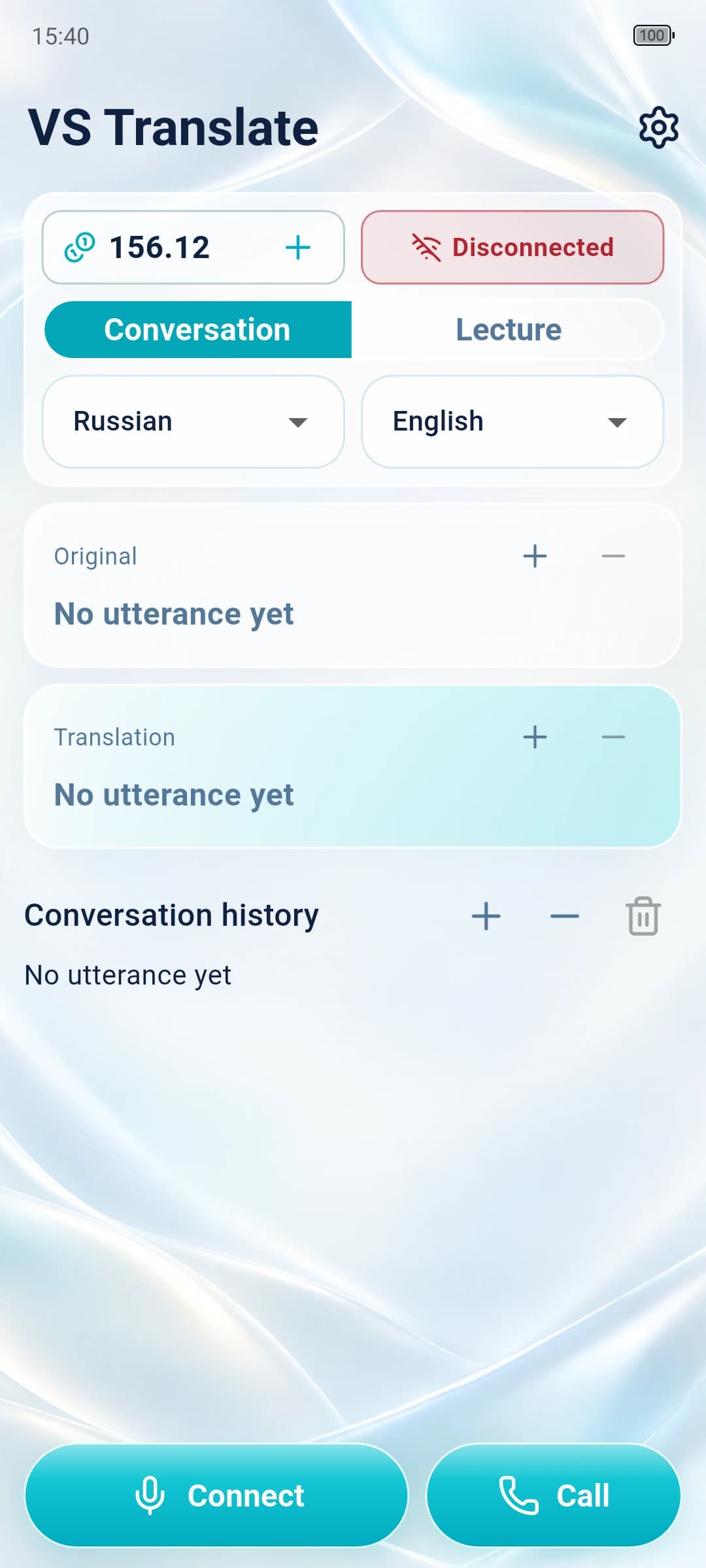
Conversation
Waits for the speaker to finish, then translates the complete phrase. Both people simply take turns speaking.
AI voice translator
A live interpreter in your pocket. Speak naturally across 29 languages: VS Translate follows the conversation, translates in the right direction and says it aloud.
Two people. One phone. No switches.
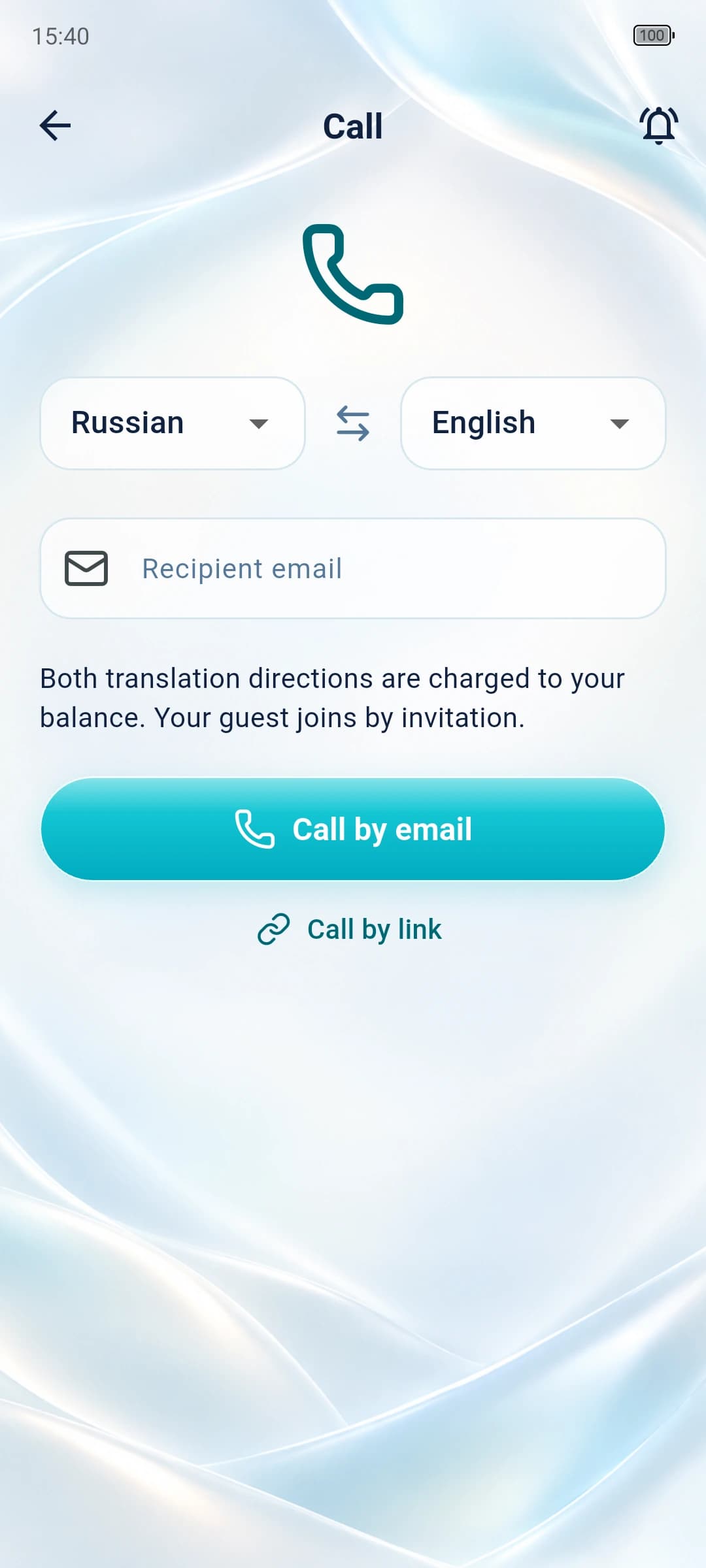
From a quick question abroad to a long presentation, keep the conversation moving in the language you understand.
Ask for directions, check into a hotel, order food and understand the answer without passing a phone back and forth.
Discuss plans with a client or colleague. Both speakers use one microphone, and each reply is translated in the right direction.
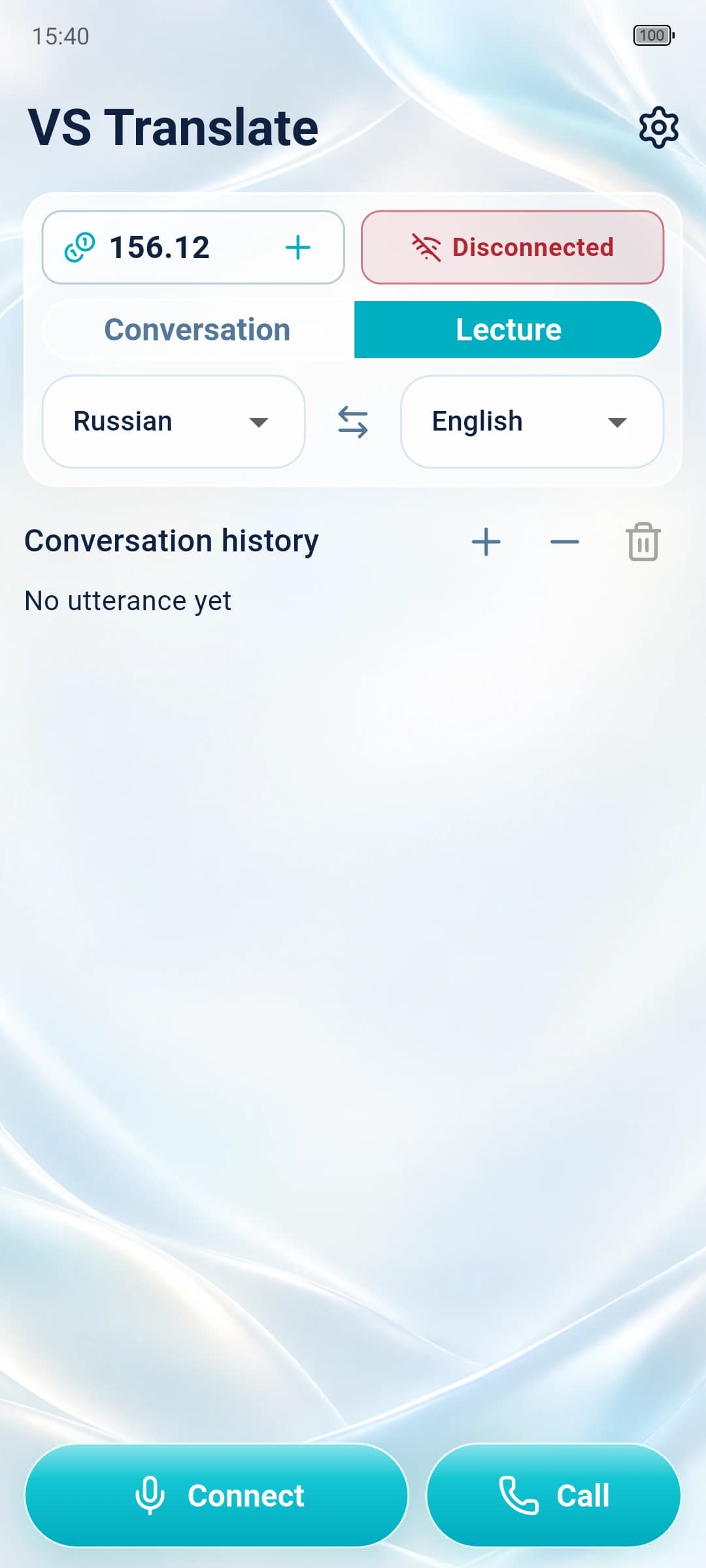
Follow talks, lessons and presentations through consecutive spoken translations, including through headphones.
For example, English and Chinese. There is no need to switch direction manually.
One microphone listens to both speakers and identifies the language of each phrase.
The translated phrase appears on screen and is spoken immediately.
The app does not join the conversation or answer on behalf of either speaker.
The recognized phrase and its translation remain visible on screen.
Adjust speech speed while the translator is running.
Recent phrases stay in a clear chronological sequence.
Balance and charge history are available inside the app.
Copy the app log and send it to support whenever something goes wrong.
Listen through the phone's active audio output without using speakerphone.
Adjust original and translated text sizes separately for each speaker.
29 languages for travel and everyday conversations
CREDITS
No. Once connected, the microphone stays active and the app detects the language and translation direction automatically.
Conversation waits for the end of a phrase. Lecture mode translates long speech in consecutive segments.
Yes. Playback speed can be changed in settings and takes effect immediately.
The balance is reduced according to actual processing. Every operation appears in the credit history.
Yes. The app uses the phone's active audio output, including wired and Bluetooth headphones.
A trial balance is added on first registration. It is granted once per app installation.
Open Support and diagnostics, copy the log and send it to the developer. It helps identify the processing stage where the error occurred.
Conversation history is stored locally on the device and can be cleared in the app.
A neural voice translator for conversations and lectures. It detects the speaker's language, translates both ways and reads the result aloud. Popular languages are supported, with more added over time.
Contact support